

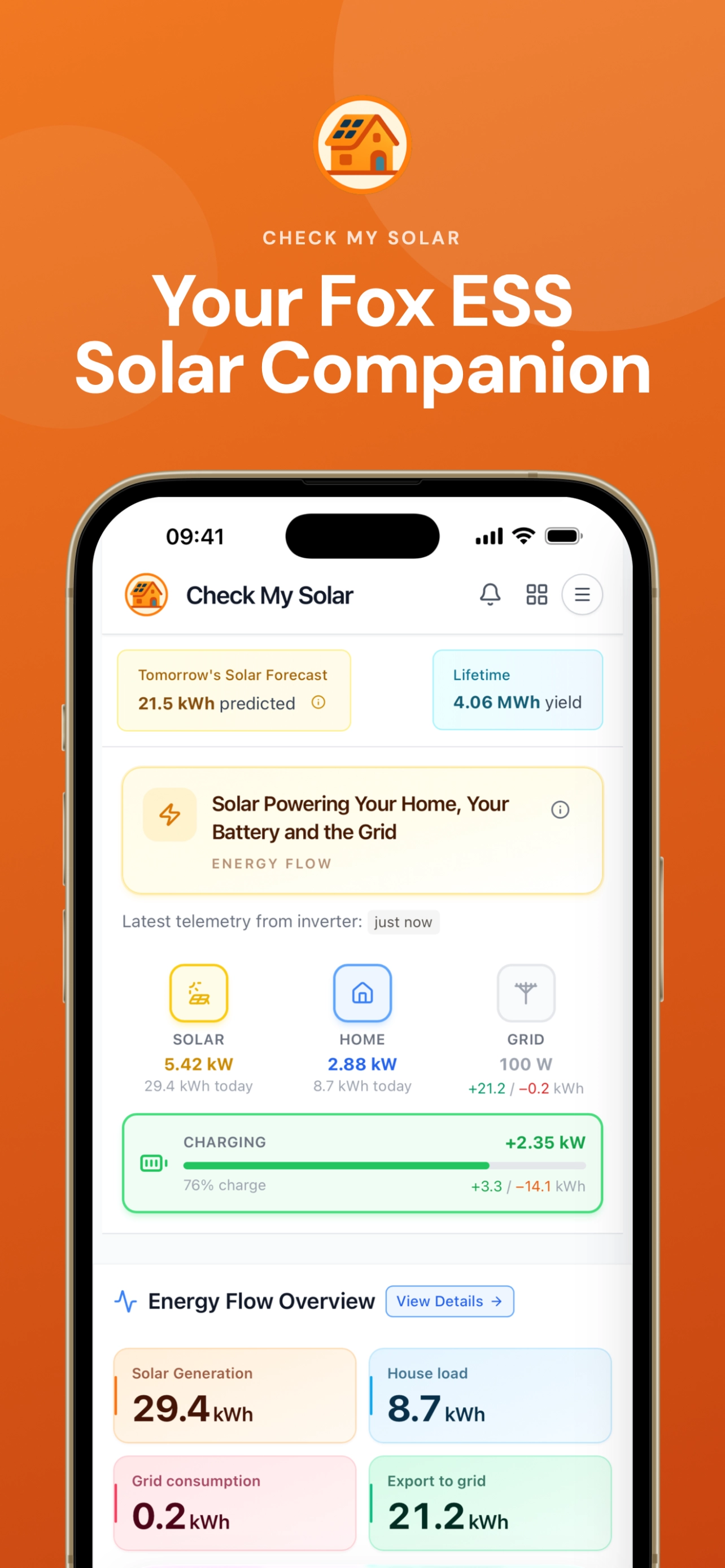
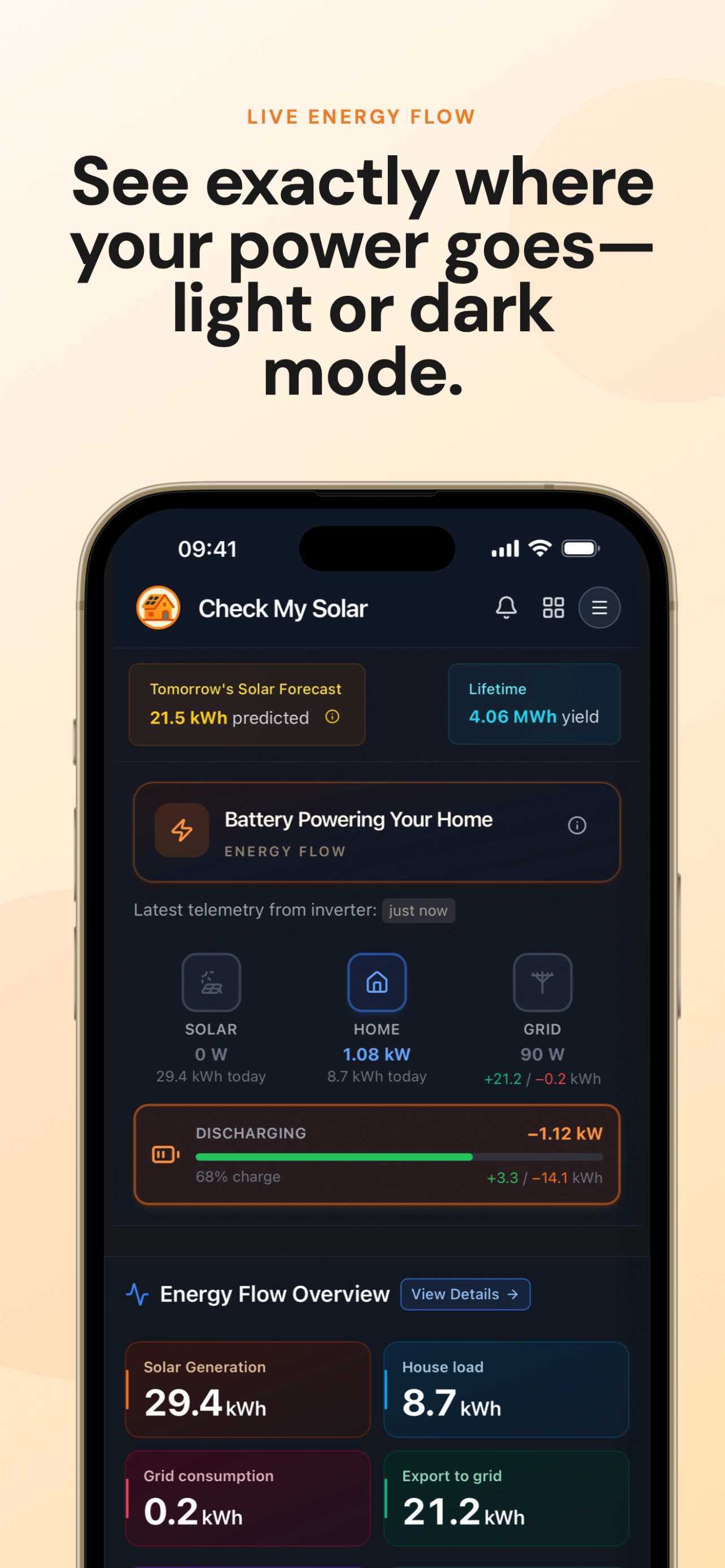
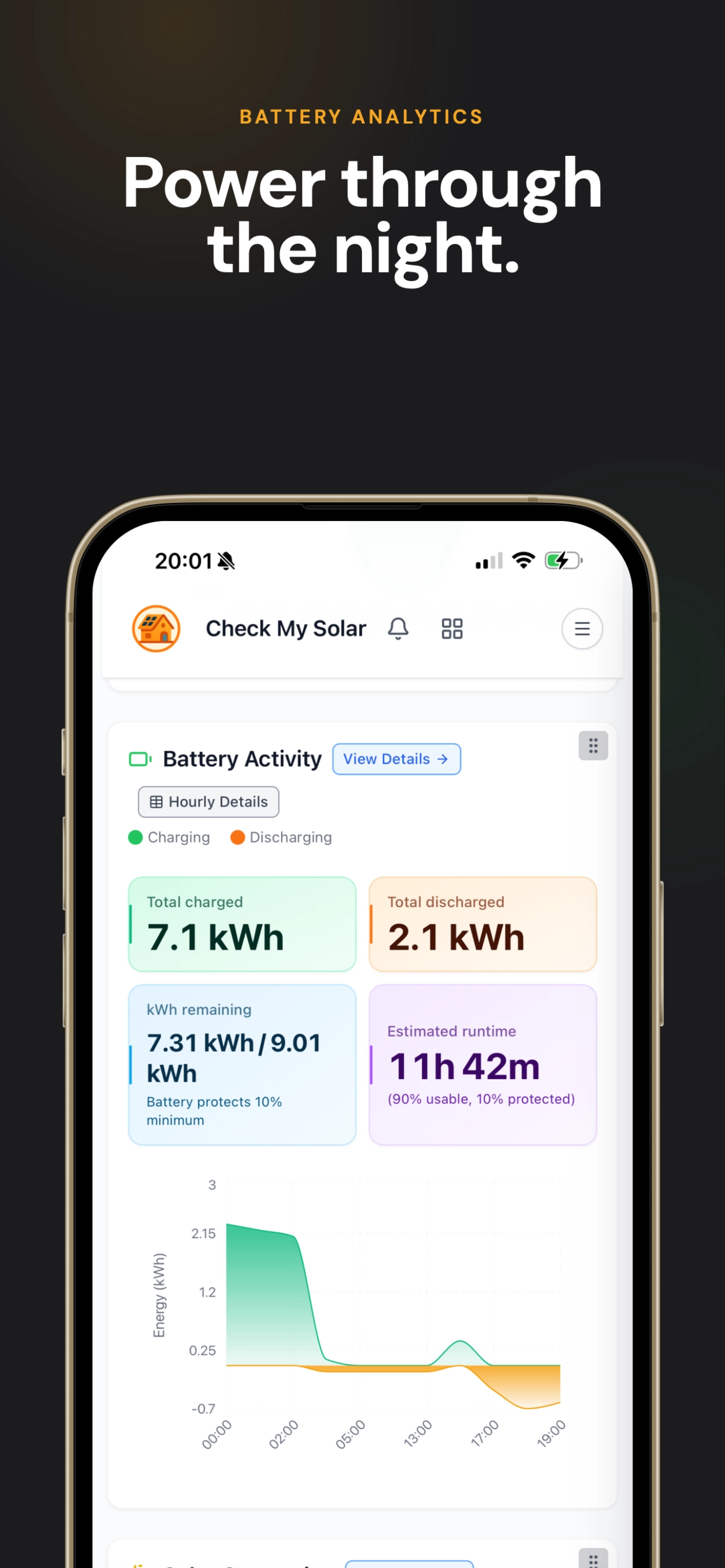
Check My Solar is an app that lets you monitor your Fox ESS solar inverters from your phone or computer. You can see real-time generation, battery status, grid import/export, and house consumption, plus historical data and solar forecasts.
What it looks like
Swipe (or shift+scroll) to browse screenshots.
What you can do
- View live data - Current PV power, battery state of charge, grid flow, and loads
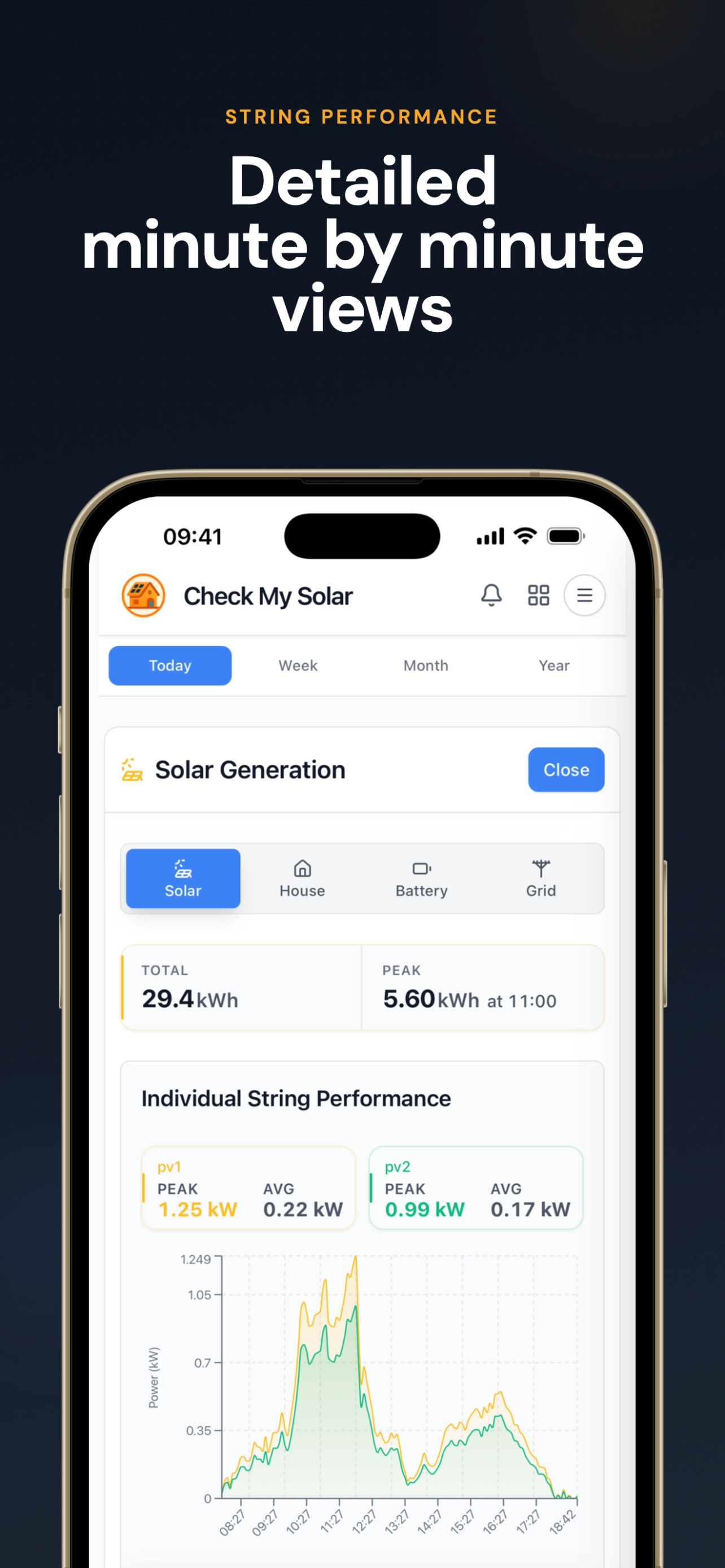
- Browse history - Today, yesterday, week, month, year, or a custom date range
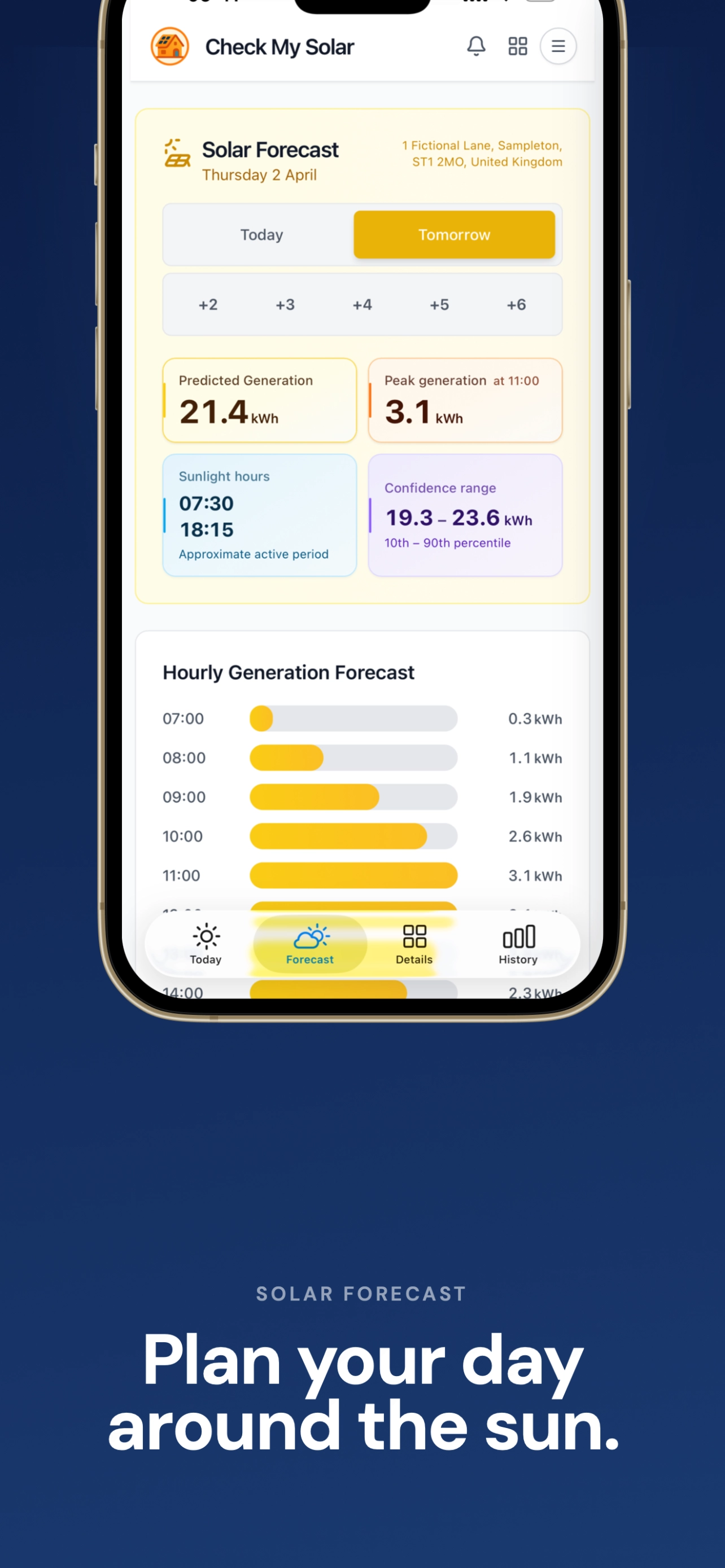
- See forecasts - Solar generation predictions from an optional forecast integration
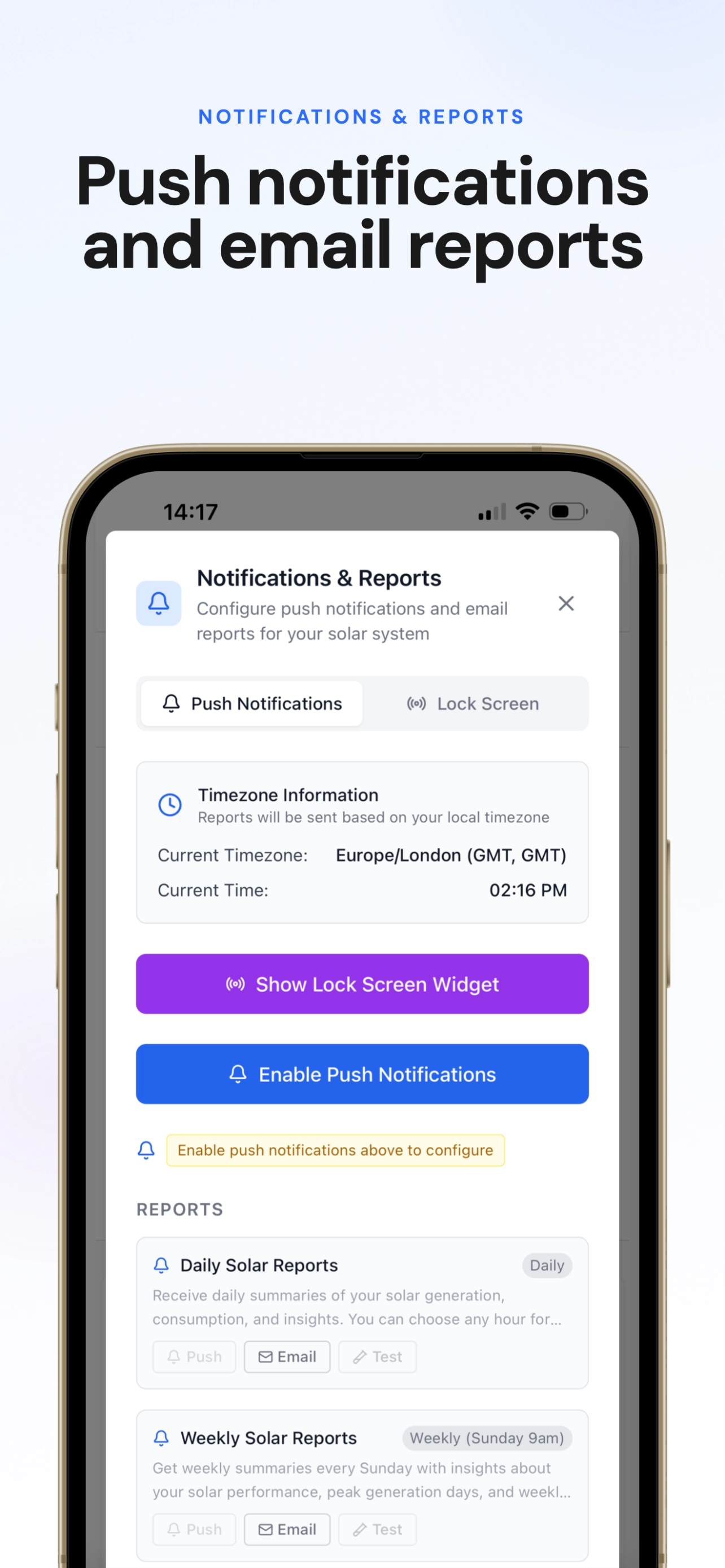
- Get notifications - Push and email alerts for generation, work mode, and forecasts
- Track finances - Configure energy rates and see import/export costs and savings
- Use multiple inverters - Link more than one Fox Cloud account or device and switch between them
- Compare with the community - Opt in to the leaderboard to rank against other Fox ESS owners and share a public stats page
Where it runs
- Web (PWA) - Use checkmy.solar in your browser; you can install it as an app on your home screen.
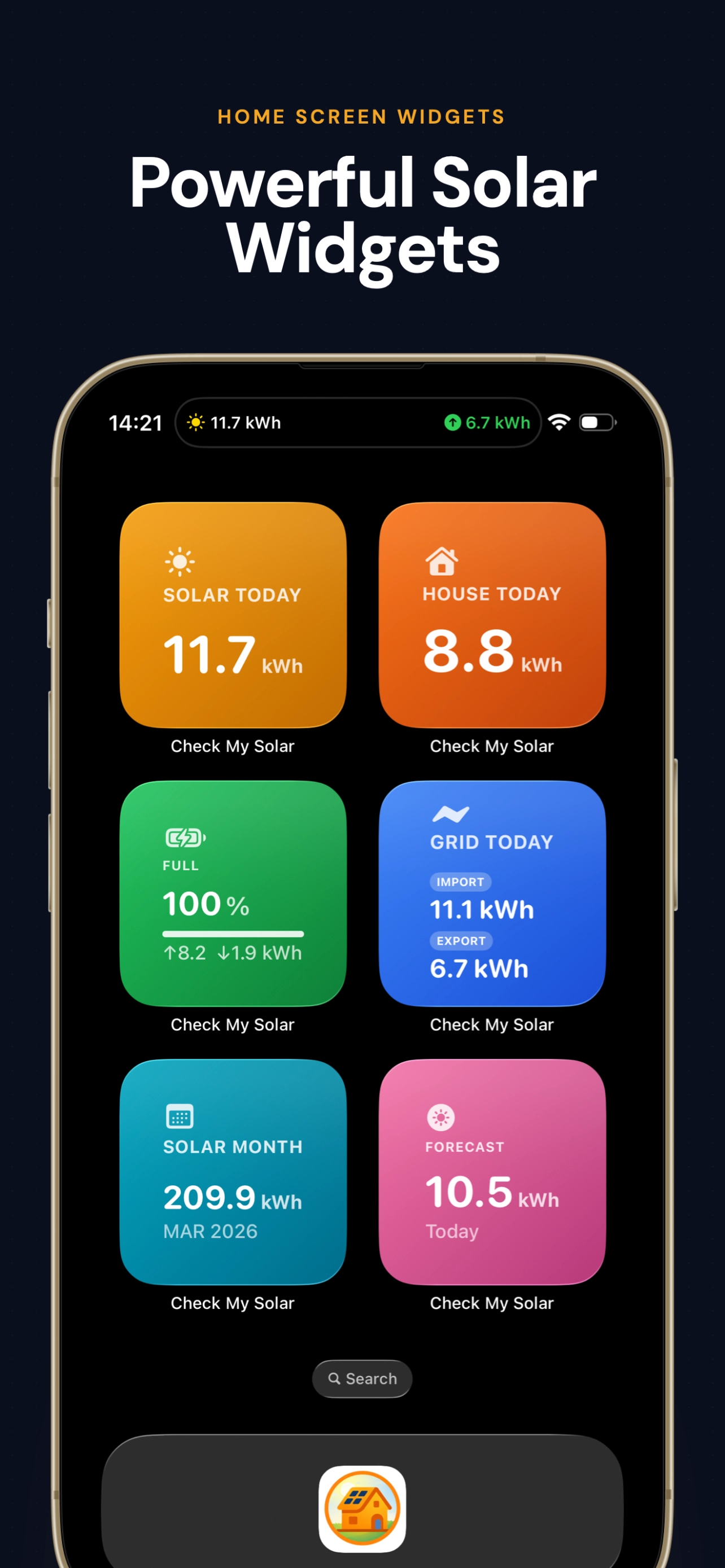
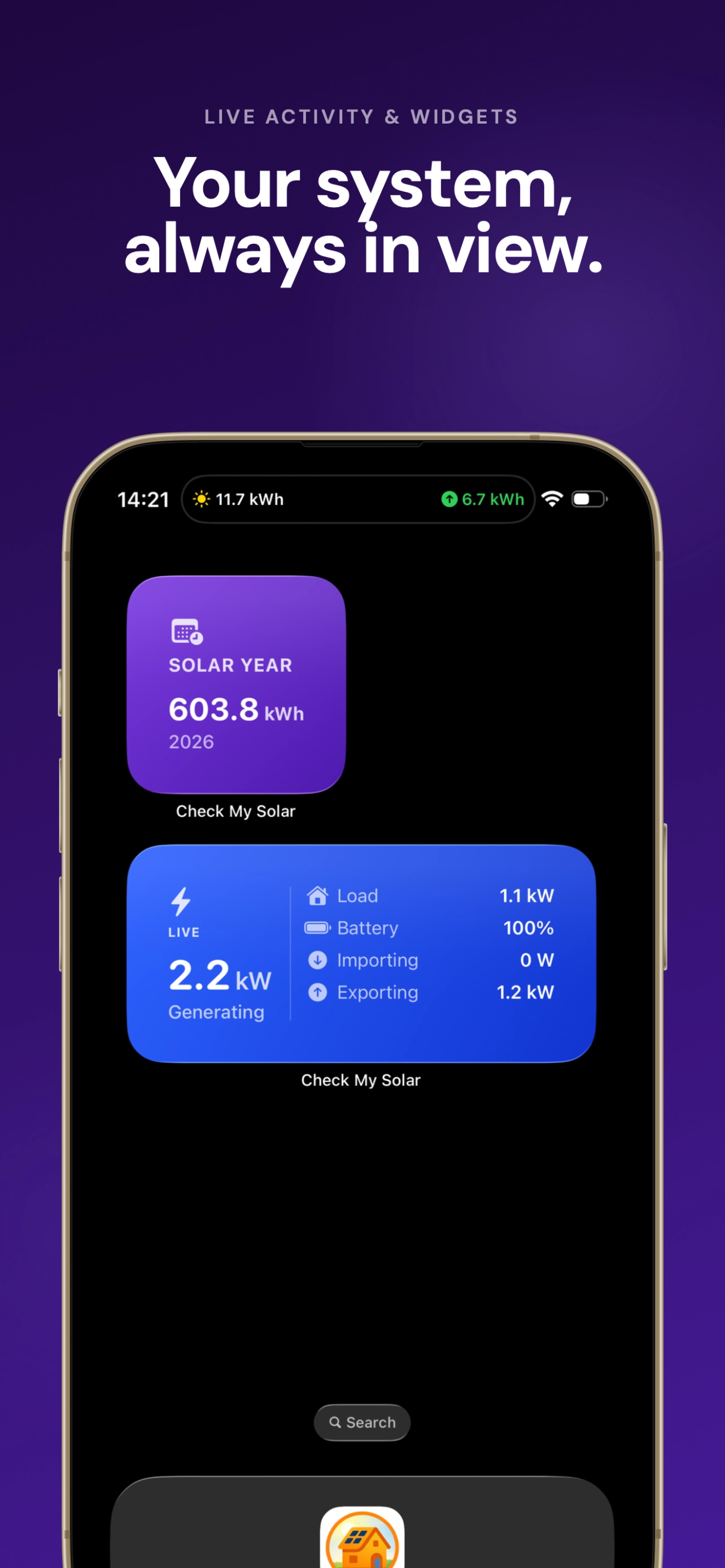
- iOS - Native app on the App Store with home screen widgets, Live Activities (Lock Screen and Dynamic Island), and optional Siri support - see iOS widgets & Live Activities.
What you need
- A Fox ESS inverter (or compatible system) that is connected to Fox Cloud
- A Fox Cloud account - you’ll link it to Check My Solar using either:
- OAuth (sign in with Fox Cloud), or
- API key (from the FoxCloud OpenPlatform)
Once your inverter is linked, the app will show data from Fox Cloud and optional solar forecast data when configured.
Next steps
- Creating an account - Sign up with email or OAuth
- Linking your inverter - Connect Fox Cloud via OAuth or API key